
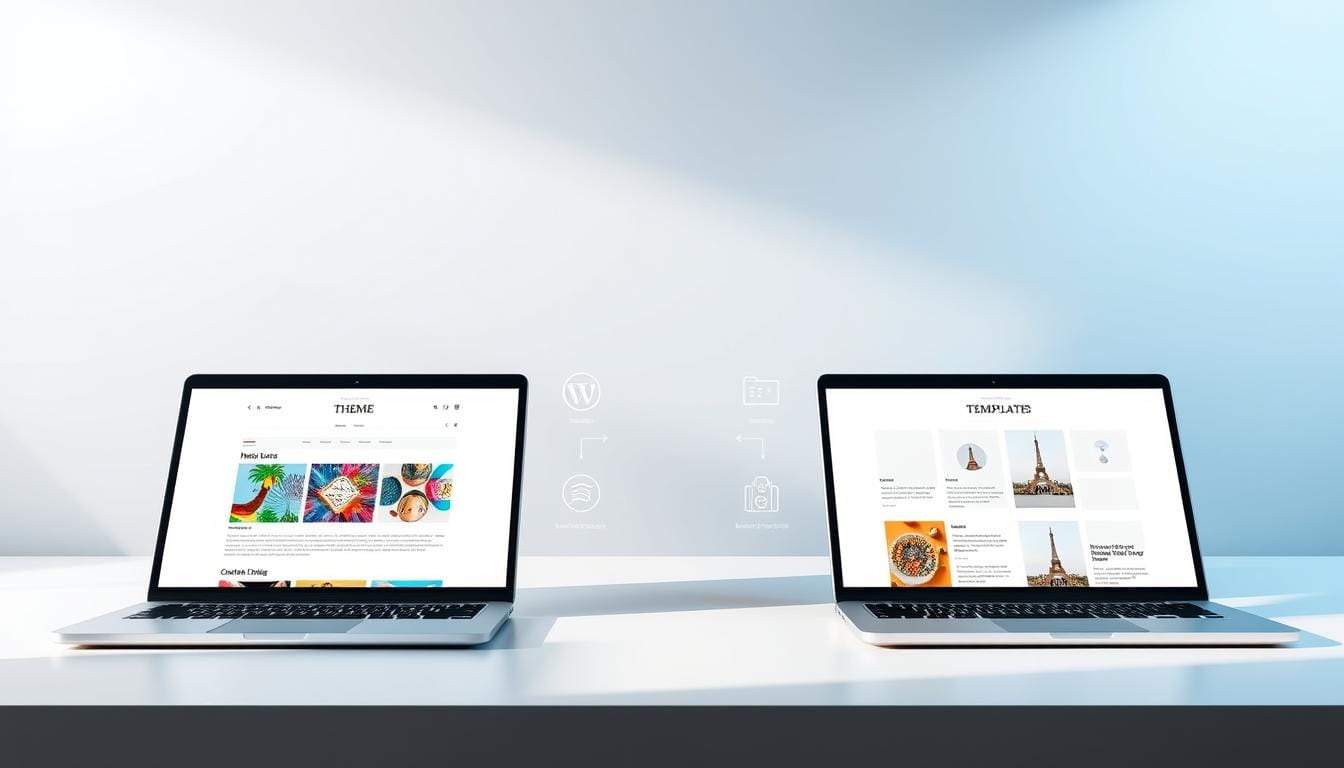
Surprising fact: 75% of small sites lose visitors because inconsistent design or slow pages break trust fast.
I promise a clear, plain-English wordpress theme vs template comparison that helps you choose confidently. I’ll show the core difference so you can build a website you’re proud of, not just a pretty look.
A theme sets site-wide styling and structure with a stylesheet that controls color palettes, typography, headers, footers, and page layouts.
By contrast, a template controls the layout for a single page or element, like a post, archive, header, or footer. You can run one active theme but many templates at once to tailor specific pages.

I use real examples—Hello Theme as a lightweight base, Hello Biz Theme for business presets, and Astra for speed—to explain trade-offs in workflow, consistency, and performance.
If you want to go deeper while you read, explore my e-books, courses, and free webinars at digitals.anthonydoty.com to boost your skills and speed up site builds.
Key Takeaways
- A theme defines the overall site design and global settings.
- Templates shape individual pages without changing the whole site.
- Use a lightweight base plus template kits for faster, consistent builds.
- Choose tools by performance needs and the user workflow you want.
- My resources at digitals.anthonydoty.com can shorten your learning curve.
Why this wordpress theme vs template comparison matters right now
Right now, choosing the right setup can make or break your website’s launch. I learned this the hard way when a bundled builder slowed my pages and broke elements after a switch.

What I needed to learn before choosing for my site
I first mapped my content and user journeys. That made the scope clear: a single full-site design handles global styling, while individual layouts solve page-level needs.
Many themes restrict customization or add shortcodes that create long-term bloat. Template Kits gave me cohesive page assets and global settings without locking the site into heavy builders.
“Understanding scope — entire website versus individual pages — saved me serious time.”
- I matched design demands to theme strengths and used templates for specialty pages.
- I audited needs by page, listed must-have features, and avoided chasing every option.
- I chose tools that sped setup and kept pages fast so my business could launch sooner.
Want deeper walkthroughs and wireframe tips? 🚀 Boost your skills with our digital library at digitals.anthonydoty.com — free webinars and courses await.
WordPress themes explained: the full‑site design foundation

The foundation I pick sets typography, color, and layout rules that all pages inherit.
What a theme controls: the front-end design of an entire website lives in a small set of files. A core CSS stylesheet sets color palettes, fonts, spacing, and layout behavior. Theme files build reusable header and footer structures plus page layouts so every page keeps a consistent look.
That consistency matters. Even when I customize a single page, global typography and color choices keep the site cohesive. A clean CSS base reduces the need for custom code and lowers maintenance risk.
The anatomy of a solid design foundation
- Stylesheet (CSS): governs fonts, color, sizing, and spacing.
- Template files: define header, footer, and page layouts.
- Settings: site identity, color palettes, and typography controls.
- Assets: fonts and images stored with the files for consistent rendering.
Where I find options
I install vetted options from the official directory, buy focused designs on marketplaces, or commission a custom build for unique functionality. Each path balances speed, features, and long‑term maintainability.
Real examples I use
For a minimalist base I pick Hello Theme for its speed. For business sites, Hello Biz adds preset kits and layout blocks that speed delivery without heavy bloat.
“A solid foundation balances features with performance — fewer extras, less long-term work.”
| Option | Strength | When I use it |
|---|---|---|
| Hello (lightweight) | Fast, minimal CSS, clean files | Landing pages and simple blogs that need speed |
| Hello Biz (business presets) | Ready-made headers, footers, hero sections | Service sites and small businesses needing quick launch |
| Custom build | Tailored functionality and unique layout control | Complex sites requiring specific integrations |
WordPress templates explained: single page and element layouts
Templates let me target a single page or component with a precise layout that fits the content’s goal.
I define a template as a targeted layout for one page or one element. It lets me change structure for a specific post, landing page, or archive without altering the whole site.
Templates apply to single posts, archives, headers, and footers. Many themes include multiple template variations such as full-width or narrow post layouts.
How I use templates on live pages
- I set a unique blog post template when images and long-form text need full-width focus.
- I assign a narrow post layout for readability on text-heavy posts.
- I create landing page templates that remove distractions and improve conversion.
- I swap header or footer templates for specific campaigns or page types.
Why multiple templates matter
Running multiple templates lets me mix and match page experiences while the global design stays consistent. I can reuse a proven layout across similar posts to save time.
“Templates are modular: they cut repetitive work and scale as content grows.”
Core differences at a glance: scope, quantity, control, and flexibility
When I map design duties, two clear roles appear: the site-wide layer and the local layout.

Scope
The theme governs the entire website. It sets fonts, color, and header/footer structure for every page.
A template targets one page or a component. It lets me change layout without touching the global rules.
Quantity
I run one active theme for brand consistency. Then I add multiple templates where needed.
Control and workflow
Global control comes from the active theme and keeps the site cohesive.
Templates give precise flexibility so I can tailor a landing page, blog post, or campaign without breaking the whole site.
- Process: set the base, then pick or build templates for key pages.
- Flexibility: test two templates for the same page to find the best performer.
- Scale: add templates as offers grow while the theme stays stable.
In short: use the theme for brand-wide control and templates for focused, flexible page-level work.
Template Kits and modern workflows: speeding up site builds
Using a kit speeds builds and keeps every page aligned to the same design system. I import cohesive packages so I can skip repetitive layout work and focus on content and conversion.
What a kit contains
Template Kits bundle page templates, headers, footers, archives, single pages, pop-ups, plus site settings like global colors and typography. You can grab a full kit or pick selected parts to match your needs.
Why kits beat legacy shortcode setups
I avoid shortcode-heavy legacy builds because they create long-term bloat and break when switching systems. Kits store content inside the builder, so core content and functionality stay intact when I change a theme template.
- Global control: change one color or font and it cascades across pages.
- Editing flexibility: unlink an instance for a one-off edit without harming other pages.
- Speed: import a kit and launch faster, freeing time for testing and copy.
“Kits let me deliver a polished website fast, with fewer plugins and less risk of breakage.”
Want to learn fast? 🚀 Boost your skills with our digital library—e-books, courses, and FREE webinars at digitals.anthonydoty.com. For deeper reading on builder workflow, see this guide.
Performance, maintenance, and long‑term viability
I focus on long-term health: fast pages, fewer surprises, and tidy updates.
Regular updates matter. A past WordCamp survey found roughly half of repository items went two years without updates. A 2022 study showed only about 60% of top sites kept themes fully updated.
That gap risks breakage when a build relies on bundled plugins or shortcodes. Replacing a shortcode-heavy option often leaves broken content and messy files. I avoid heavy plugin lock-in to protect my content and my users.
Theme updates, plugin dependencies, and security considerations
I pick options with clear changelogs, active support, and clean code. This reduces surprise fixes and keeps the wordpress website secure.
- Sustainability: choose actively maintained themes with good reviews.
- Minimize dependencies: fewer bundled plugins means less risk of content loss.
- Code quality: clean files and templates make troubleshooting faster and cheaper.
- Routine: budget a bit of time monthly for updates and backups to avoid long recoveries.
- Staging: always test updates on a staging site before going live.
“Building content inside modern builders and using Template Kits reduces lock-in and mitigates risk.”
How I decide: a practical framework for choosing theme, templates, or both
First, I map the highest-value pages and ask which approach delivers them fastest.
Goals and constraints: if I’m changing the entire website look or rebranding, I pick a theme-driven build for global design and consistency. If I’m adding a few high-converting pages, I use templates to target those specific needs.
Control vs convenience: no-code kits speed delivery and reduce risk. With light CSS skills I keep control and tune layouts without a dev cycle. That balance matters for a small business or lean team.
Business use cases: blogs need archive and single-post templates. Portfolios benefit from project grids and case-study pages. Service sites use landing variations to boost conversions.
“I favour a lean theme for brand stability and a set of templates to iterate on pages.”
- I start with goals, timeline, and budget.
- I pick Astra, Hello, or Hello Biz as sensible starting points when I need speed.
- I scale with Template Kits so design tokens and components stay consistent.
Level up faster: 🚀 Boost your skills with our digital library—e-books, courses, and FREE webinars at digitals.anthonydoty.com. Learn to choose the right options and build a faster, more resilient site.
Conclusion
To wrap up, the right base and smart page layouts make your site work for users and search engines.
I use lightweight themes for site-wide consistency and focused templates to refine high-value pages. Template Kits bundle cohesive assets and give global controls that reduce shortcode lock-in and long-term bloat.
Practical wins: pair a well-supported theme with targeted templates or a kit to launch faster and keep the website design consistent. Choose maintained, lightweight options to protect performance and security.
Keep content first. Map goals, test page layouts for home, services, and blog, and iterate. 🚀 Boost your skills with our digital library — e-books, courses, and FREE webinars at digitals.anthonydoty.com to keep momentum.
FAQ
What is the main difference between a site-wide design and a single-page layout?
I see the site-wide design as the foundation that controls global styles—fonts, colors, headers, and footers—across every page. A single-page layout affects just one page or post, so I use it to tailor a landing page, blog post, or product page without changing the whole site.
Can I use multiple page layouts while keeping a consistent brand look?
Yes. I keep global settings like typography and color consistent, then apply different page layouts for specific needs. That gives me brand unity plus the flexibility to make a homepage, portfolio, and blog post look and function differently.
Where do I find reliable design packages and files for my site?
I use the official directory for verified options, reputable marketplaces like ThemeForest or Envato, or hire a developer for custom builds. I always check recent updates, user reviews, and support channels before I install anything.
Do modern template kits reduce site bloat compared to older solutions?
In my experience, template kits focused on cohesive pages and reusable components cut down on shortcodes and redundant code. That usually improves performance and lowers the chance of breakage when plugins update.
How do updates and plugin dependencies affect long-term site security?
I treat updates as essential. When a package relies on plugins, I track those plugin updates and security patches. I also keep backups and test updates on a staging site to avoid downtime or compatibility issues.
When should I pick a lightweight design package versus a feature-rich business package?
I choose lightweight when speed and minimal maintenance matter—blogs or personal portfolios. I pick feature-rich options when I need built-in functionality like e-commerce, appointment booking, or advanced page builders for a business site.
Can I customize global styles without coding skills?
Yes. I use visual editors and no-code tools that expose global typography, color palettes, and header/footer settings. For deeper control, basic CSS knowledge helps me tweak spacing, fonts, and responsive behavior.
How many different page layouts should my site include?
I keep it practical: a homepage, blog post template, archive, contact page, and one or two landing pages for campaigns. More templates are fine if they serve a real need, but I avoid unnecessary variations that increase maintenance.
What is the best workflow to avoid breaking my live site when making changes?
I develop on a local or staging environment, version-control key files, and test updates there first. After successful testing, I push changes to production during low-traffic windows and monitor performance and error logs.
How do I balance visual control and future scalability for a business site?
I prioritize a clean global design system for brand consistency, use modular templates for flexible pages, and choose solutions that let me add features without heavy recoding. That keeps the site scalable and easier to maintain.
Are custom builds worth the extra time and cost for small businesses?
It depends on my goals. If I need unique functionality or a distinctive brand experience, I invest in a custom build. For many small businesses, a well-chosen package with selective customizations delivers better ROI and faster launch times.
How can I improve page speed related to design files and assets?
I optimize images, use a minimal number of external scripts, enable lazy loading, and choose lightweight packages. Caching and a content delivery network (CDN) also help reduce load times significantly.
What should I include in my evaluation checklist when choosing a design package?
I check performance benchmarks, update frequency, compatibility with essential plugins, available templates, and customization options. I also confirm support quality and read real user reviews before deciding.
How do I handle fonts and typography to keep a professional look?
I pick a limited set of web-safe or hosted fonts, set clear hierarchy for headings and body text, and test readability across devices. Consistent typography improves brand perception and user experience.
Can I switch my site foundation later without rebuilding everything?
Yes, but it requires planning. I export content, back up custom settings, and prepare for layout changes. Switching foundations often needs template adjustments and styling updates, so I test thoroughly on staging before migrating.